
Executive summary
Your content
stays yours.
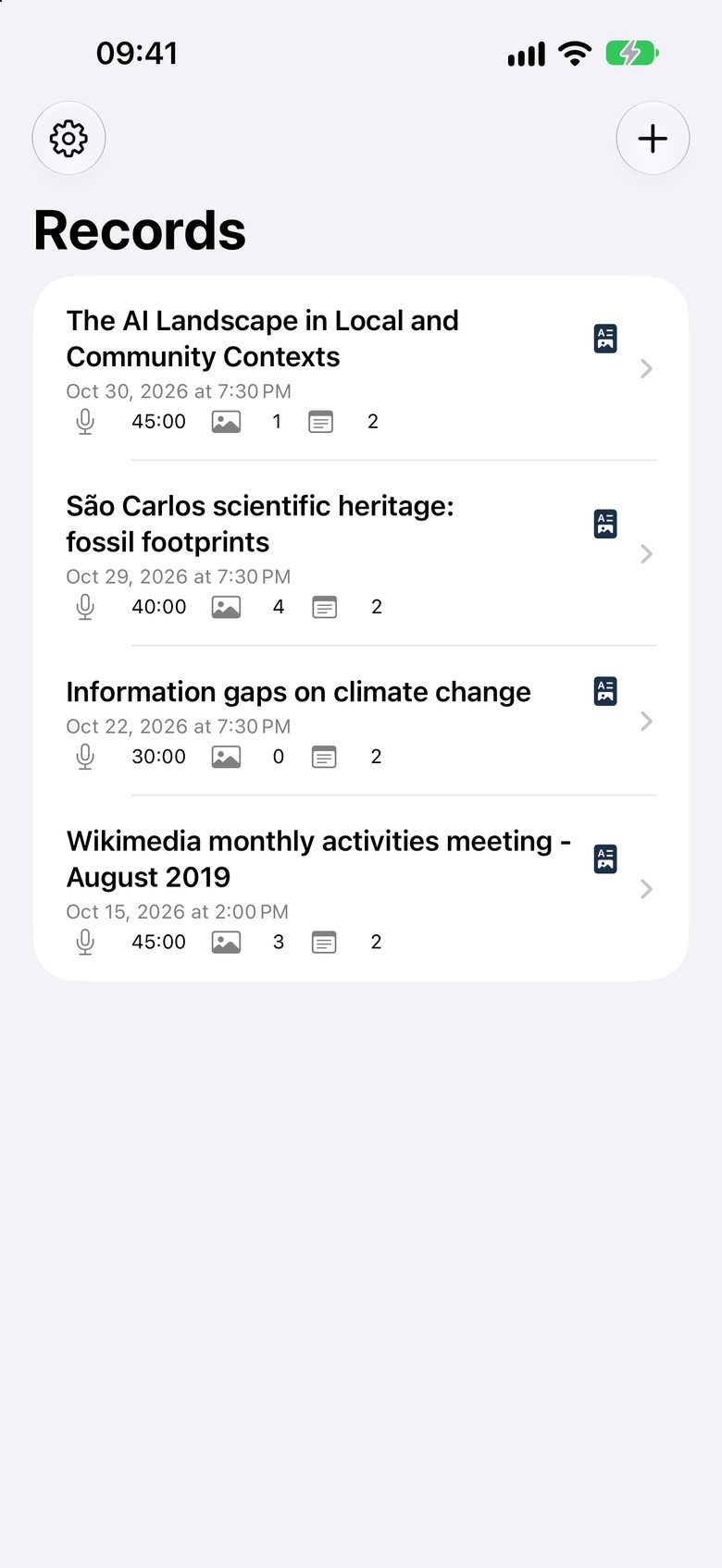
ResumAI turns the audio, your slide photos and your notes from a talk into a one-page PDF summary. Recording and transcription happen on your iPhone or iPad; the summary is made on Apple Private Cloud Compute — none of it goes to our servers.
We don’t have servers. What you record stays on your iPhone — or goes only to Apple Private Cloud Compute.
01
How it works
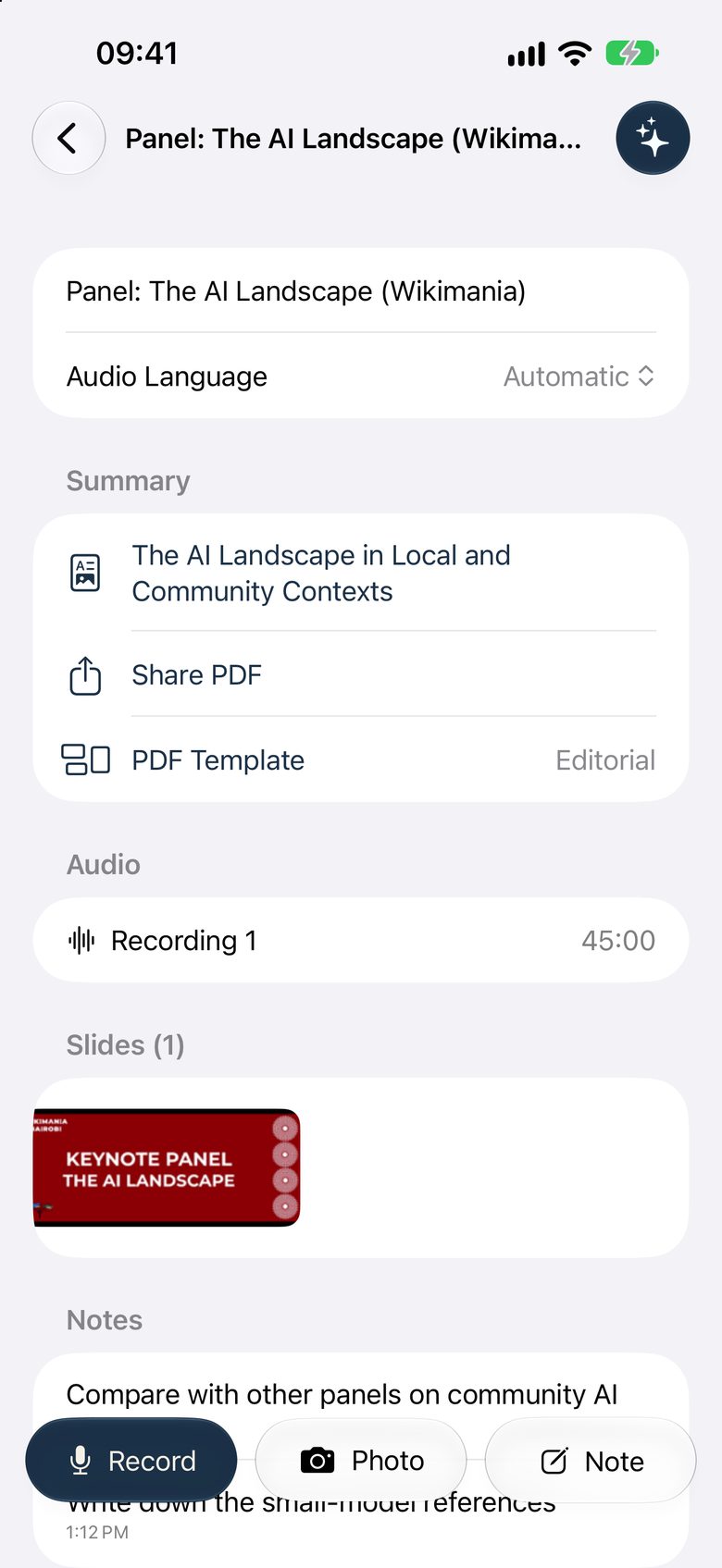
- Record the talk.
- Snap the slides.
- Jot down whatever you like.
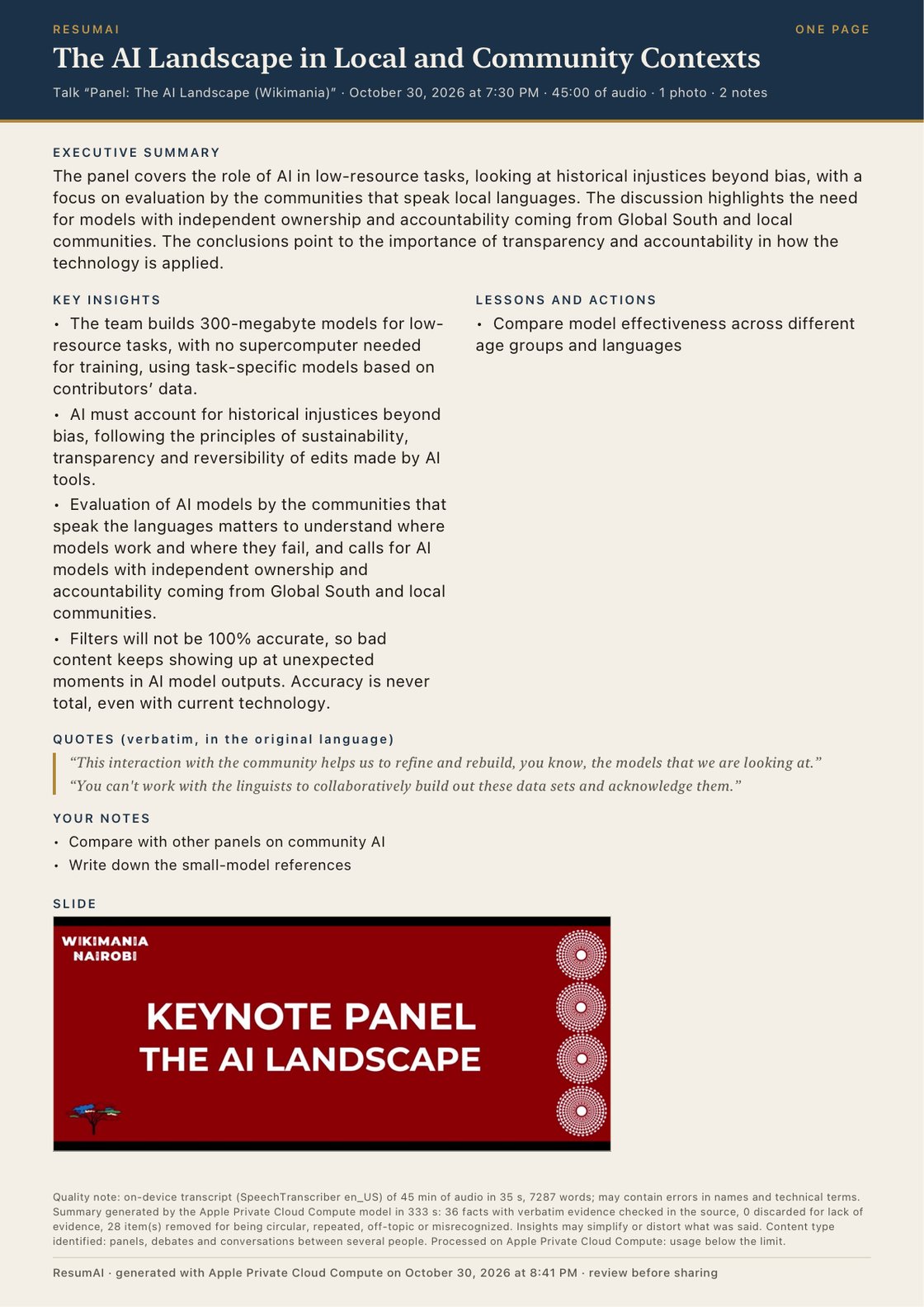
- Tap Finish and get a PDF with the core idea, topics, insights and quotes.
02
Private by default
Summaries are made by Apple Intelligence on Apple Private Cloud Compute, which doesn’t keep your content. Your records are stored only on your device and you decide what to share.
The free version shows Google AdMob ads, which may use device identifiers and ad-interaction data — never the content of your talks. The one-time “Remove Ads” purchase turns off ads and ad tracking. Details in the Privacy Policy.
The briefing
One page. The talk, edited.
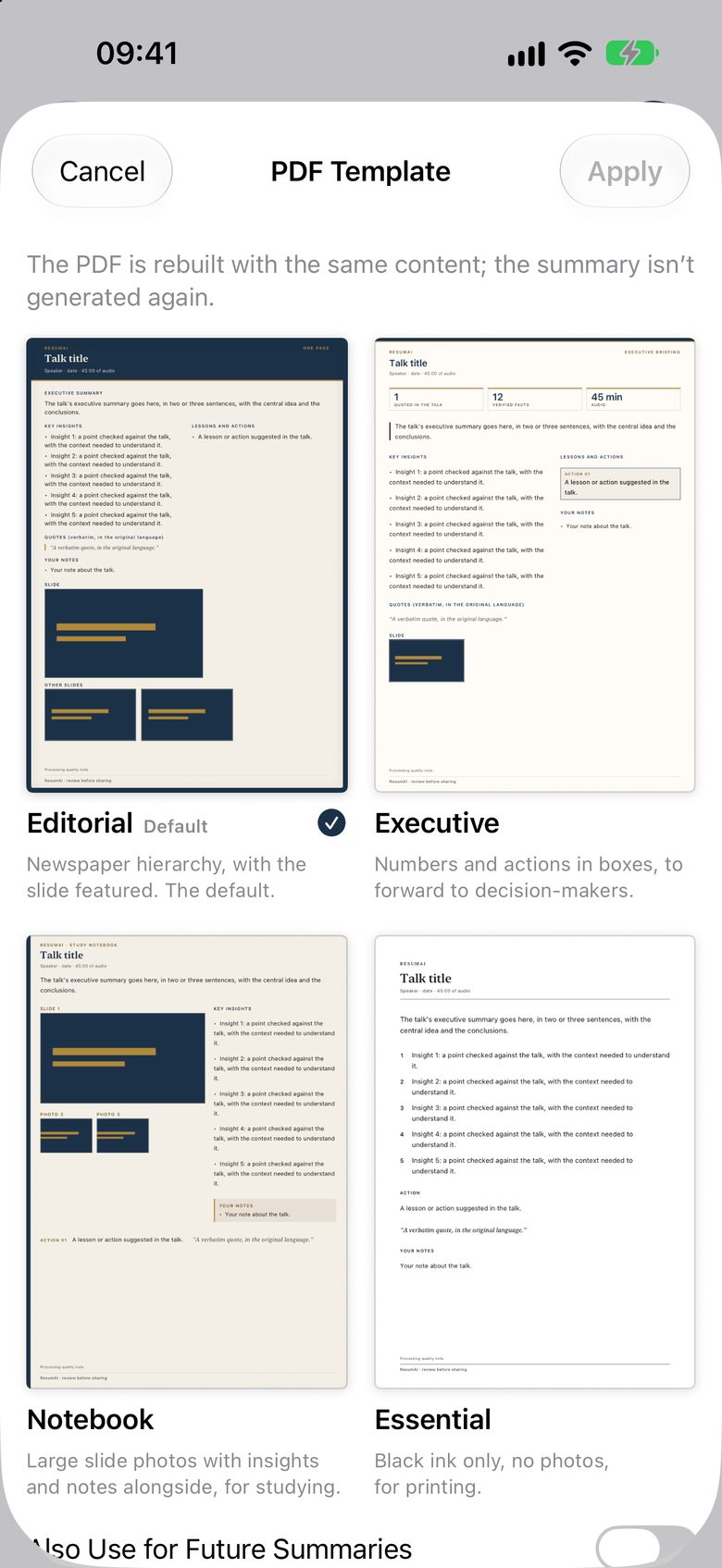
The PDF is the artifact: core idea, topics, insights and quotes, with the rhythm of an edited piece.
Requirements
iOS and iPadOS 27 or later
Summaries need Apple Intelligence on Apple Private Cloud Compute: an iPhone 15 Pro or later, or an iPad with M1/A17 Pro or later, with Apple Intelligence turned on and an internet connection. If it isn’t available, your recording and transcript stay saved and you can try again later.